| | Hi , Welcome to the Tech Learning Collective Newsletter. | | | |
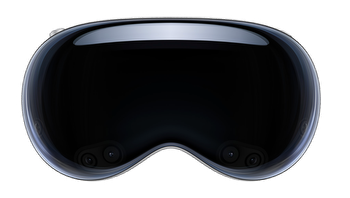
| | Augmented RealityLast week Apple announced Vision Pro, a revolutionary spatial computer that seamlessly blends digital content with the physical world, while allowing users to stay present and connected to others. An incredible and exciting example of Augmented Reality (AR). Click here to find out more. | |
|
|
|
| | AR has a wide range of applications across different industries where virtual objects can be superimposed onto real-world settings. It is used in healthcare, architecture, manufacturing, retail, and many other fields, enabling interactive experiences, visualisation of data, remote assistance, and improved productivity.
Augmented Reality also provides an exciting opportunity in education to engage students in learning and there are many AR apps on the Apple App Store that can be used in the classroom. Below are three of our favourite ones with some ideas on how these can be used in purposeful ways to enhance and transform teaching and learning across the curriculum.
| |
|
|
|
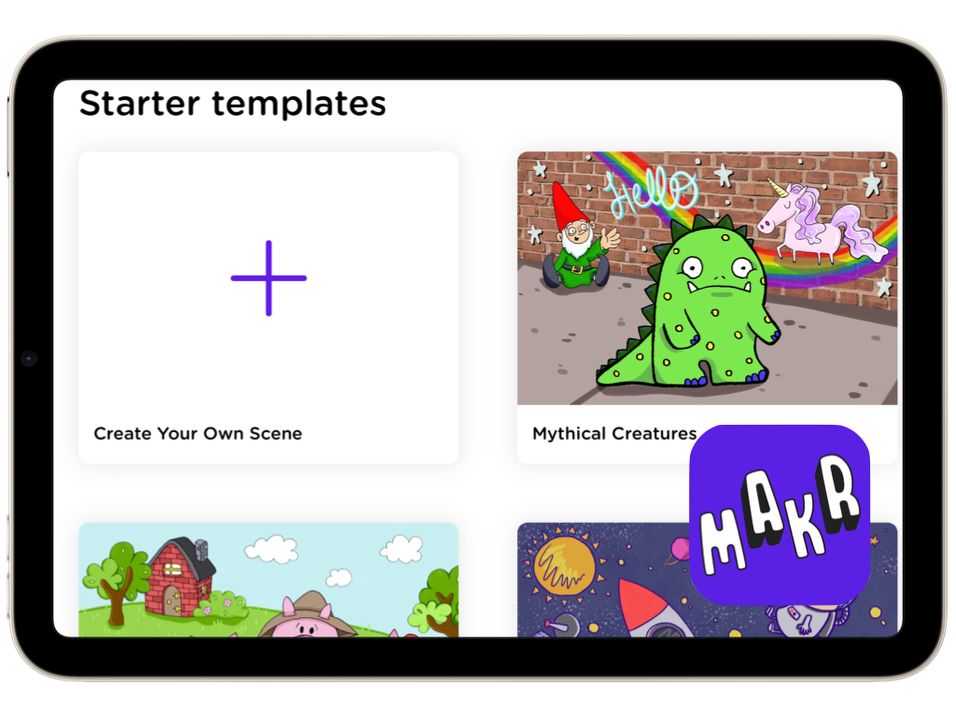
| | | AR MakrAR Makr lets students transform their sketches and photos into virtual objects and seamlessly integrate them into their surroundings. With AR Makr, students have access to a diverse range of creative tools and templates to craft unique 2D and 3D objects, igniting student engagement through dynamic movement and immersive physical exploration. | |
|
|
|
| | |
|
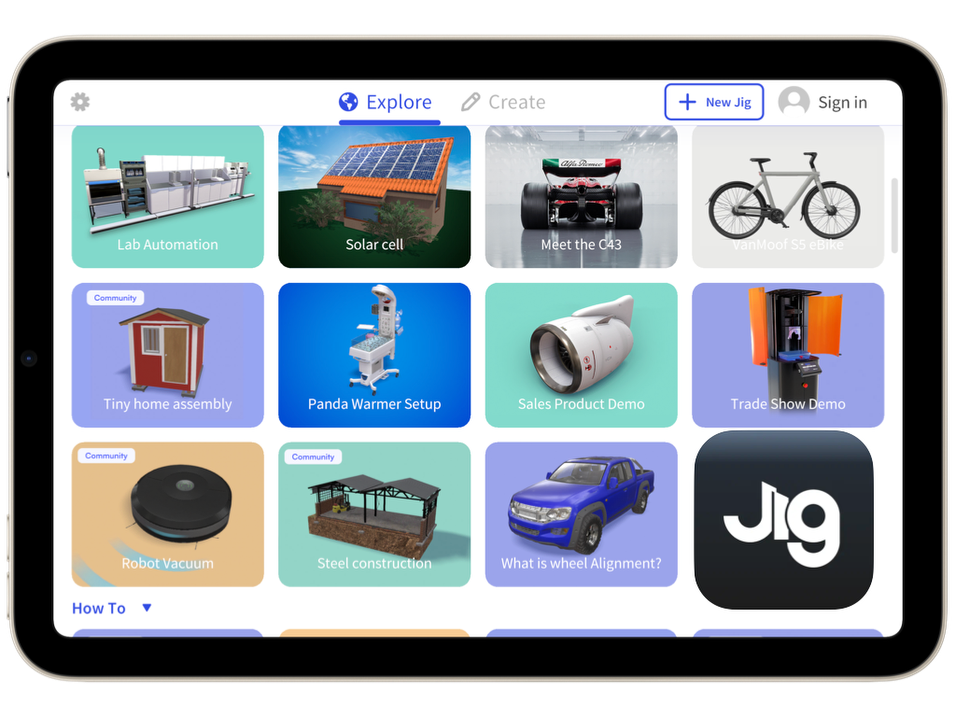
| | | JigSpaceJigSpace allows students to delve into a world of machines, inventions, space exploration, how-to topics, and much more. With JigSpace, the process is effortless – just open the app, choose the 3D model (referred to as a Jig), and direct the iPad camera towards a table or the floor. Instantly, the virtual content comes to life, merging seamlessly with your physical environment. | |
|
|
|
| | |
|
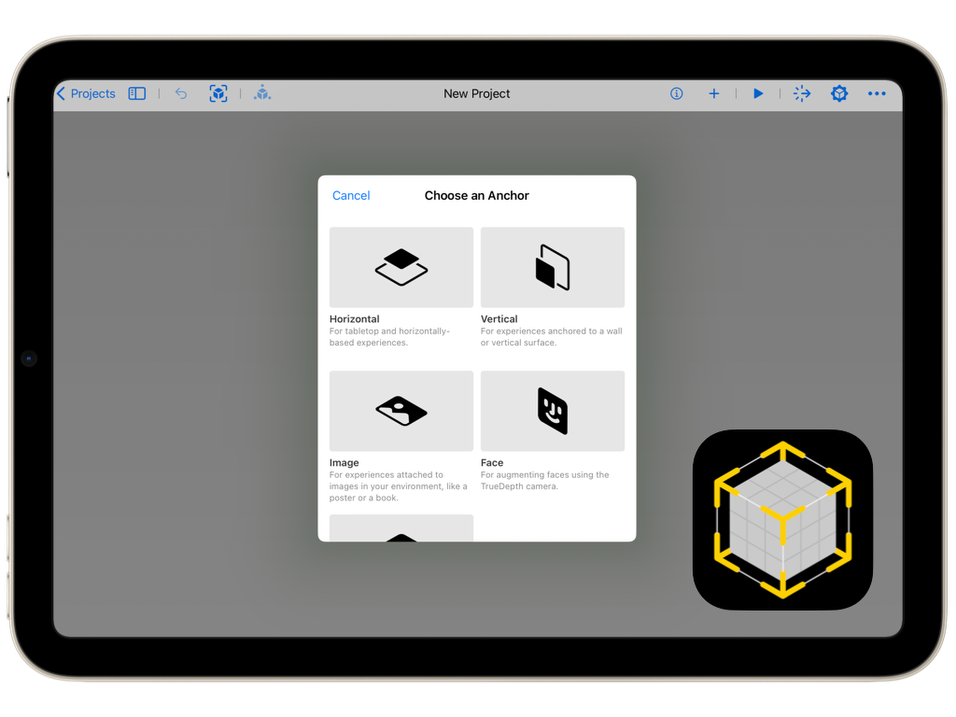
| | | Reality ComposerWith Apple's own Reality Composer app, you can build captivating 3D compositions in AR. It comes with a vast library of customisable assets or students can import their very own original creations. Compositions can be enhanced, with dynamic animations and immersive sounds that can be triggered by user interactions such as taps, light changes, or proximity. | |
|
|
|
| | |
|
| | Augmented Reality Ideas for the ClassroomThere are so many ideas for integrating these apps into the curriculum to transform learning and engage students. Here are some ideas to get you started.
🚀 Science: - Explore the human body by overlaying AR models of organs, skeletal systems, or circulatory systems, allowing students to examine them in detail.
- Study environments by placing animals and plants in their natural habitats
🕵🏻 History: - Overlay AR artifacts or historical figures in the classroom, enabling students to interact with and learn more about specific time periods or historical figures.
- Create historical reenactments by combining AR characters, props, and settings, allowing students to experience key events firsthand.
🌏 Geography: - Explore geographical features, such as mountains, rivers, or deserts, by bringing drawings and diagrams into the real world and adding informational labels
- Create scenes that showcase important historical events
📖 English: - Bring stories to life by overlaying AR characters from books, enabling students to interact with the story elements and engage in immersive storytelling experiences
- Enhance vocabulary development by overlaying definitions, synonyms, or examples onto real-world objects.
🧮 Maths: - Gamify math problems by overlaying virtual objects or characters that students can interact with while solving equations or completing math challenges.
- Demonstrate and explore concepts like symmetry and transformations, or visualise 3D shapes to help students understand concepts such as volume, surface area, and spatial relationships.
👷🏻 Design Technologies: - Using Reality Composer design a new garden feature such as a bird feeder. Use the AR feature to see how your design looks in the real world. Take a screen shot and Markup important features.
| | | |
| | Storytelling is a great way to learn and AR is a great way to tell stories for learners of all ages and across all subject areas. Click below to see just how easy it is to tell stories using AR Makr and create your very own assets / images to bring into your scene using Keynote. | | | |
|
|
|
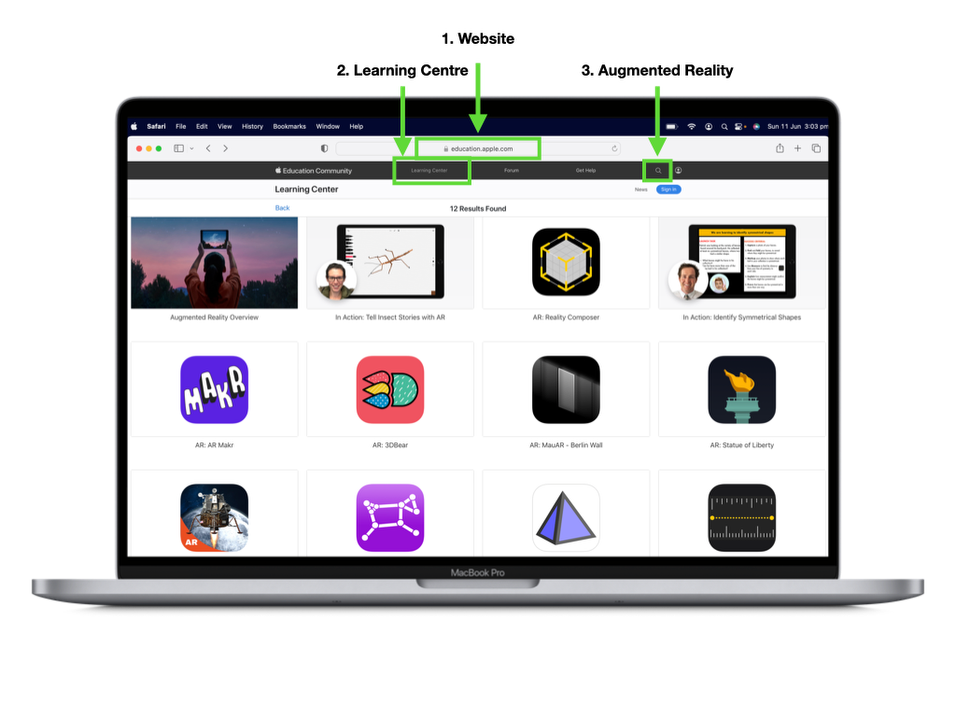
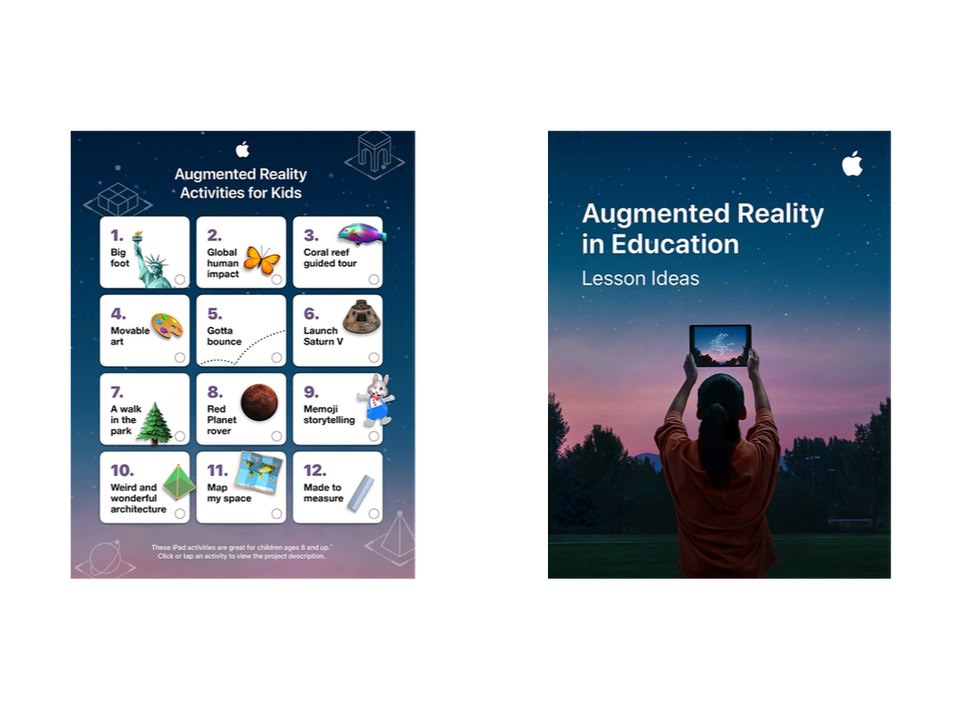
| | | | Tip - Apple Education CommunityDid you know you can visit the Learning Centre at www.education.apple.com to access more great AR resources and lesson ideas. Simply search for Augmented Reality using the magnifying glass at the top of the page. | | | |
|
|
|
| | | | | | Until next week From the TLC Team 🌻 
| | | |
|
| | |
|
| | | | | | Tech Learning Collective is a team of passionate Apple Professional Learning Specialists and educators from Queensland who offer professional learning, insights, resources, and valuable tips for transforming learning with technology.
| | | |
| | Please share with friends and colleagues Forward to a Friend Click here to subscribe to Tech Learning Collective for weekly updates. Don’t need any further TLC ♥️ Please click here to Unsubscribe | | | |
|
| | |
|
|