| | | | Hi , Welcome to the Tech Learning Collective Newsletter. | | | |
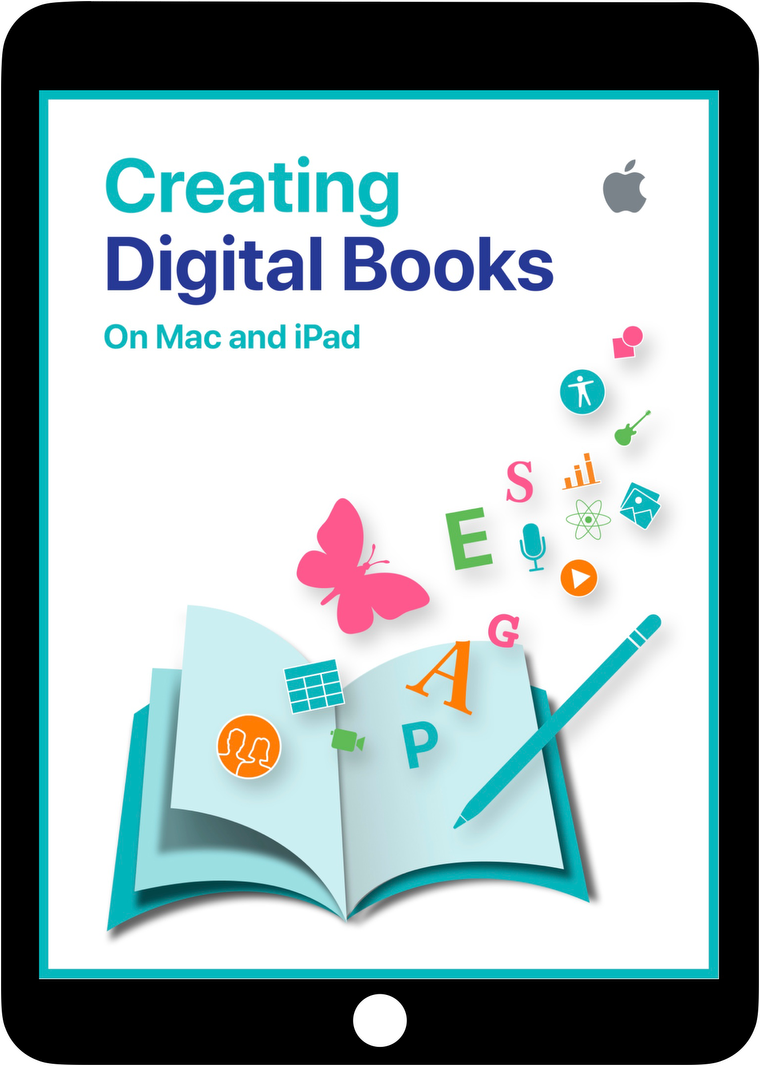
| | · Let’s Explore Digital Book Creation and Publishing· Did you know your students can easily publish a digital book to a worldwide audience? Providing students with a global platform to share and be acknowledged can drive engagement, effort and enliven both the writing, illustrating and editing processes. Check out the following resources for examples, inspiration and instructions on creating a digital book with your students, ready to publish to Apple Books.
| |
|
| | |
|
| | | | | | | This book covers a range of topics related to ‘Creating Digital Books on Mac and iPad’. Media Art principles are outlined in the sections on design considerations and interactive features are explored (including video, links, image galleries and audio/music). There is also a Chapter outlining the process of uploading an EPub to Apple Books. Prefer to work in Word? Check out these instructions on preparing a Word document to Publish on Apple Books.
| | | |
|
|
|
| | |
|
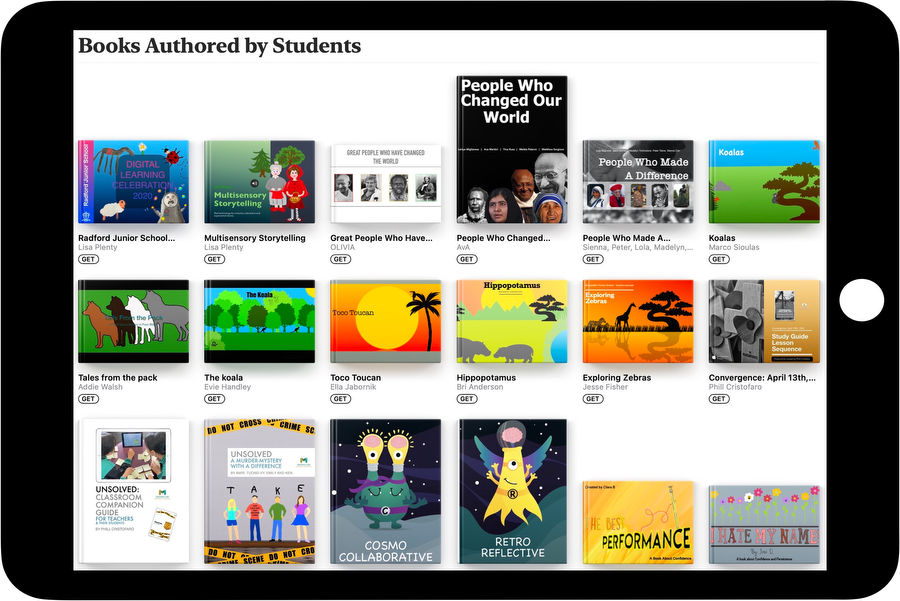
| | | In the Education section of Apple Books is a curated collection of ‘Books Authored by Students’. These books are written, illustrated and published by students. To explore these amazing student creations open Apple Books - Book Store - select the Education section - then Books Authored by Students. | |
|
|
|
|
|
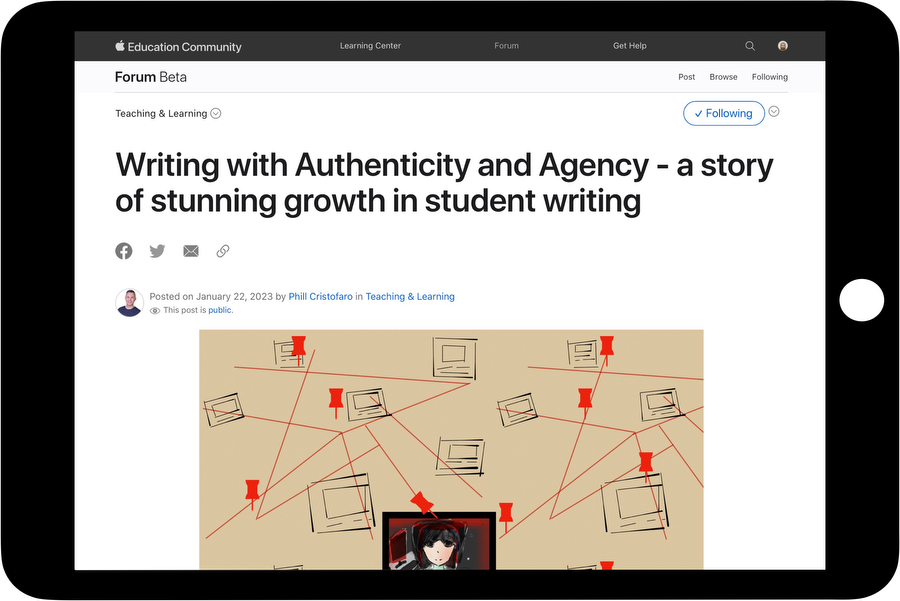
| | | Check out this Education Forum post by Phil Cristofaro, an APLS based in Victoria. Phil shares his experience with guiding and supporting students to create and publish books to a global audience. Phil's post includes links to the incredible books his students have published, insights about the publishing process and tips to help you get started. | |
|
|
|
|
|
| | Tech Tip: Use Shortcuts To Create A QR code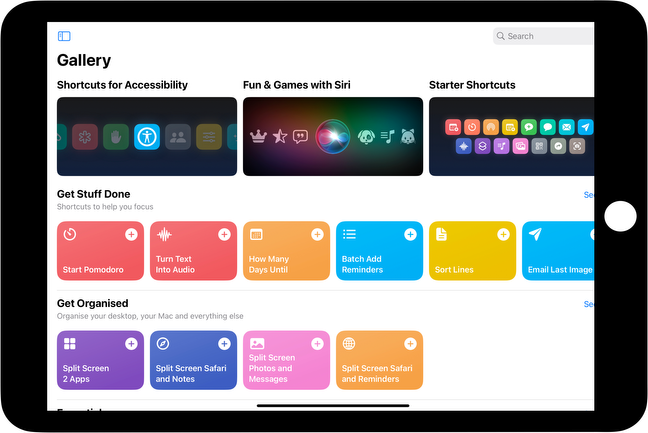
Shortcuts enable a quick way to get things done with your apps with just a tap or by asking Siri. The app lets you combine multiple steps across multiple apps to create powerful task automations. After you add shortcuts from the Gallery or create your own, you can run them from the Home Screen, Shortcuts app or a Share Sheet. Here is a tutorial on adding a Shortcut to quickly and easily ‘Make a QR Code’. Until next week, From the TLC Team 🌻 
| | | |
| | Tech Learning Collective is a team of passionate Apple Professional Learning Specialists and educators from Queensland who offer professional learning, insights, resources, and valuable tips for transforming learning with technology. Get in contact to discuss how we can support your school community.
| | | |
|
|
|
|