| | | | Hi , Welcome to the Tech Learning Collective Newsletter. | | | |
| | · Infographic Creation Supporting Learning·
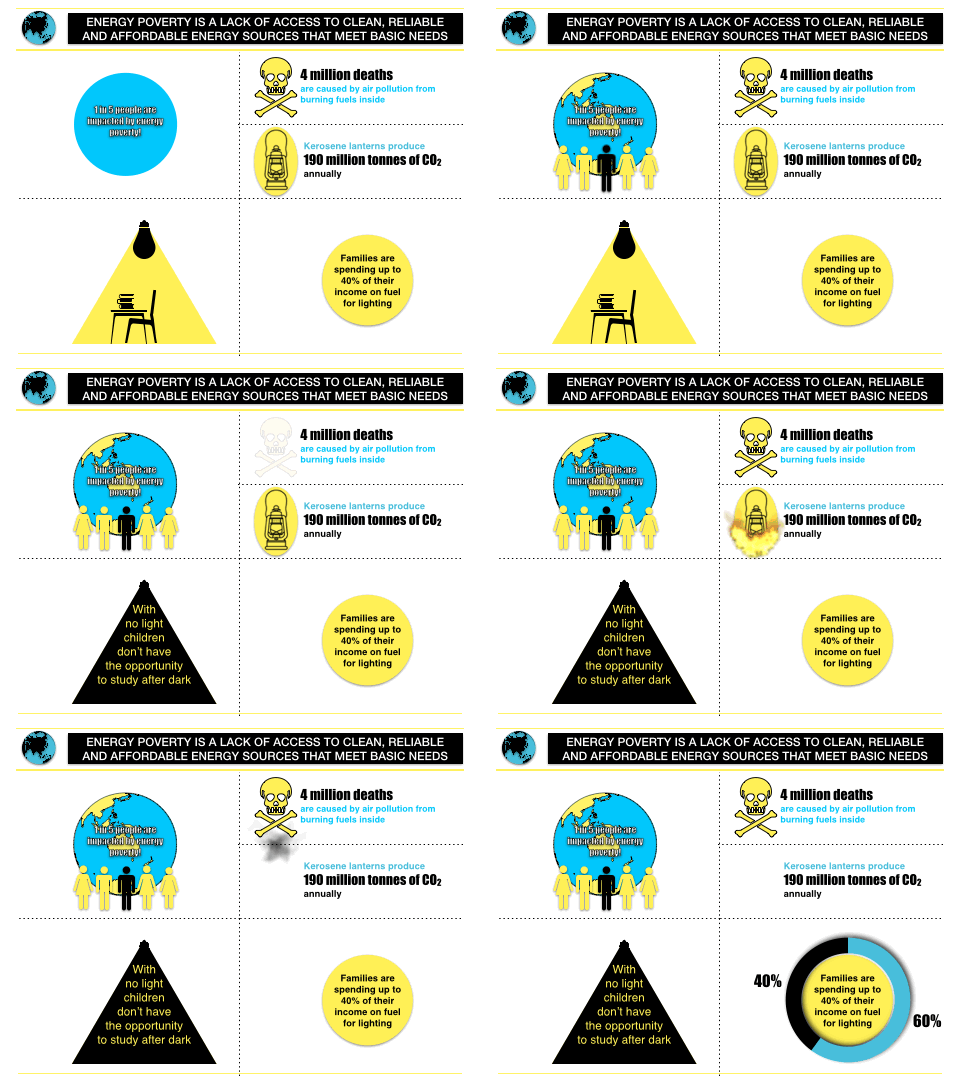
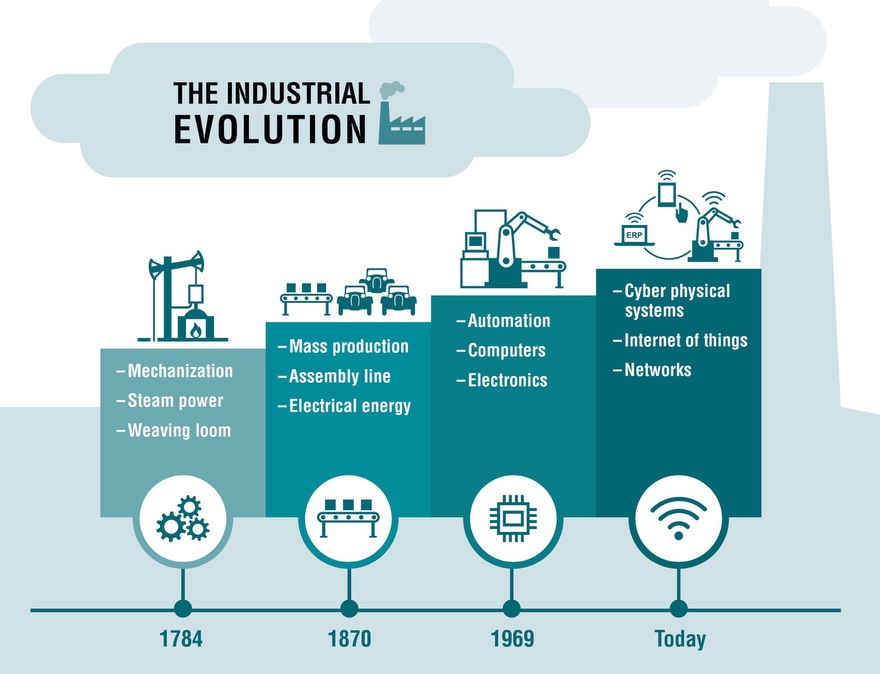
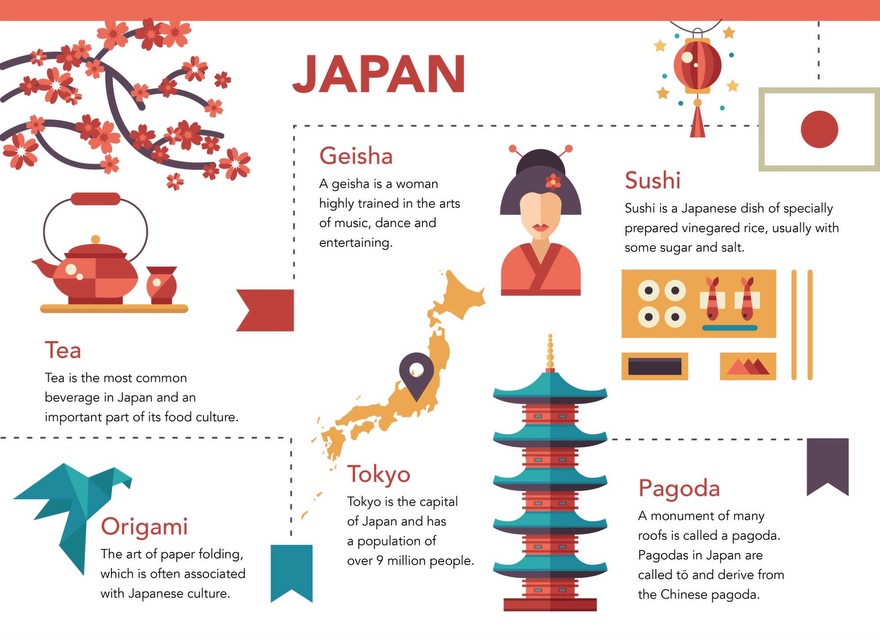
An infographic is a collection of images, symbols, graphs and data that provide an easy-to-understand summary of a topic or data set. Creating an original infographic promotes and broadens visual literacy while developing research skills, ability to synthesis information and assists in consolidation of understanding. The act of summarising information and data into minimal text, images and symbols is also an engaging way to study for a test or demonstrate understanding of a topic. Here are a number of resources to help you get started at creating infographics with your students. | | | |
| | Infographics across the curriculumInfographics can provide an engaging context for learning across a number of subject areas. Check out chapter 8 in the Everyone Can Create Drawing on iPad guide for a range of ideas and step-by-step instructions. | | | |
|
|
|
| | Resources related to infographics | |
|
|
|
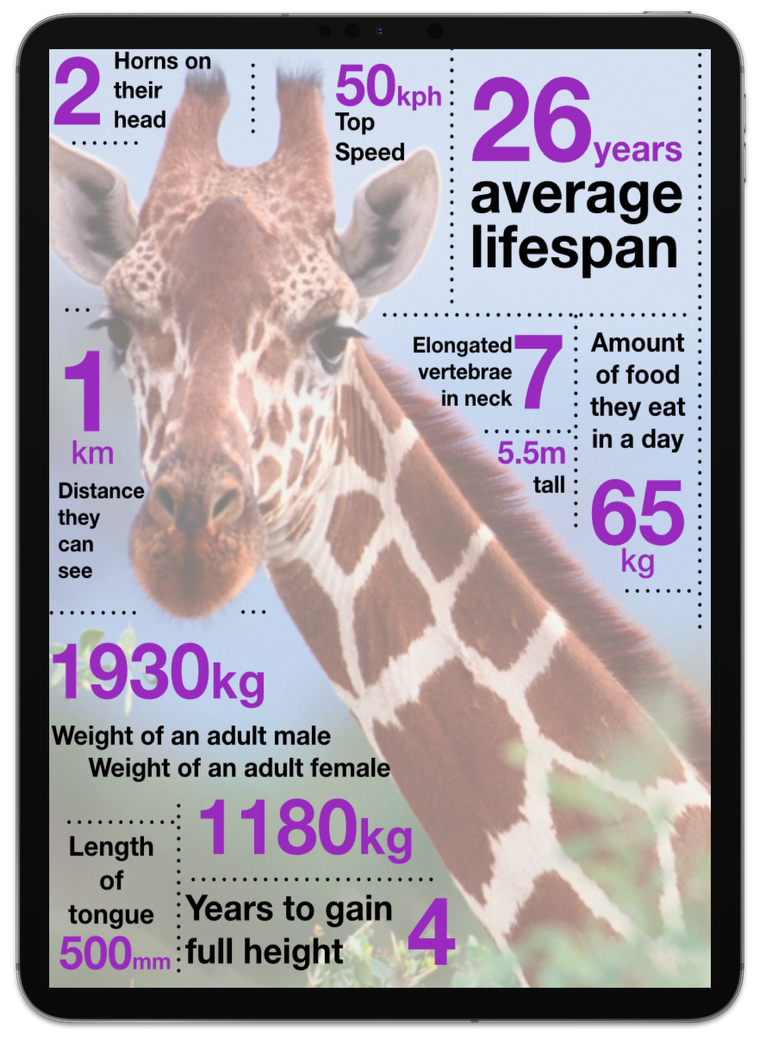
| | | | | | Notably, a forum post, ‘Creating an Interesting Infographic’ by Jonathan Mulholland has a step by step video tutorial related to researching and creating an informative animal infographic. Jonathan demonstrates the use of dotted lines around an image, a simple colour scheme and intentional formatting of text as a quick and effective way to build an infographic. | | | |
|
|
|
|
|
|
|
|
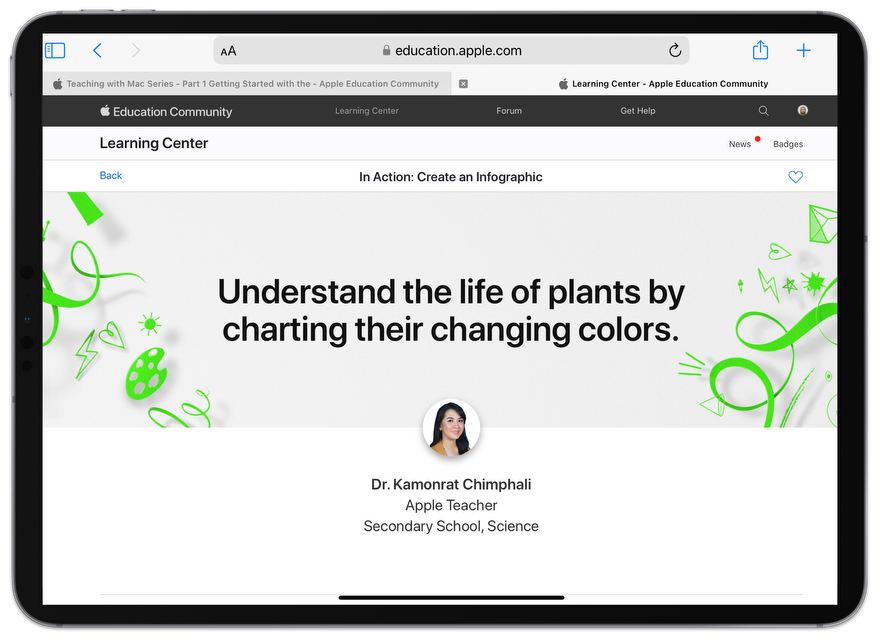
| | | | | The Apple teachers in Action section of the Learning Center has so many inspiring ideas for leveraging technology in innovative and engaging ways. Dr. Kamonrat Chimphali shares an infographic activity related to the life of plants by charting their changing colours. | | | |
|
|
|
|
|
| | Tech Tip: Supporting digital wellbeing and time management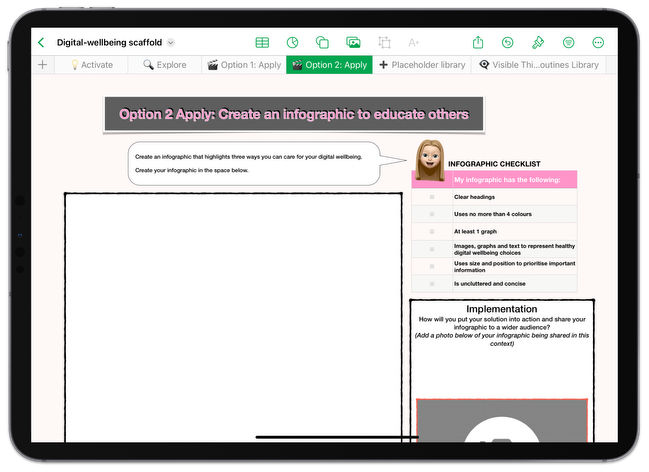
Focus, the Reminders App and Screen Time data are tools and built-in features that can support students and families to consider a balanced approach within the classroom and at home. Here is a link to a forum post with a movie that outlines these three tools and explains how they can assist our students to manage time and check-in on their device usage. Lastly, here is a link to a supporting Numbers scaffold for a digital wellbeing activity (that includes an infographic creation option 😊). Until next week, From the TLC Team 🌻 
| | | |
| | Tech Learning Collective is a team of passionate Apple Professional Learning Specialists and educators from Queensland who offer professional learning, insights, resources, and valuable tips for transforming learning with technology. Get in contact to discuss how we can support your school community.
| | | |
|
|
|
|