Hi ,

Welcome to the Tech Learning Collective Newsletter. 


· Let’s Explore Keynote Animations · 

One of the most rewarding things we can give our students is choice. Allowing them to have agency over how they might share their ideas and learning allows each student the opportunity to shine, showcasing their knowledge in their own unique way. Some students might choose a video masterpiece, others an epic sketch. Some might create a vocal soundtrack alongside a presentation whilst others might create amazing animations .  

That is why the TLC team LOVE Keynote 🙌🏻. In this one app, students can create movies, illustrations, animations, gif’s, images, artwork and of course the humble slide deck. From as young as our kindergarteners, through to our senior high school students - all of these options are possible and all in this one app. 

We could (and will 🙌🏻) write many newsletters featuring the various creative possibilities with Keynote. This week though, will focus on Keynote Animations and how they can easily bring a students project to life. 

To get the inspiration flowing and see just what's possible, tap here to visit a curation of completed animations created by the TLC team. From Line Draw self portraits, to First Fleet Animations, to retelling Dreamtime Stories and bringing poetry to life, the options are endless 🤩


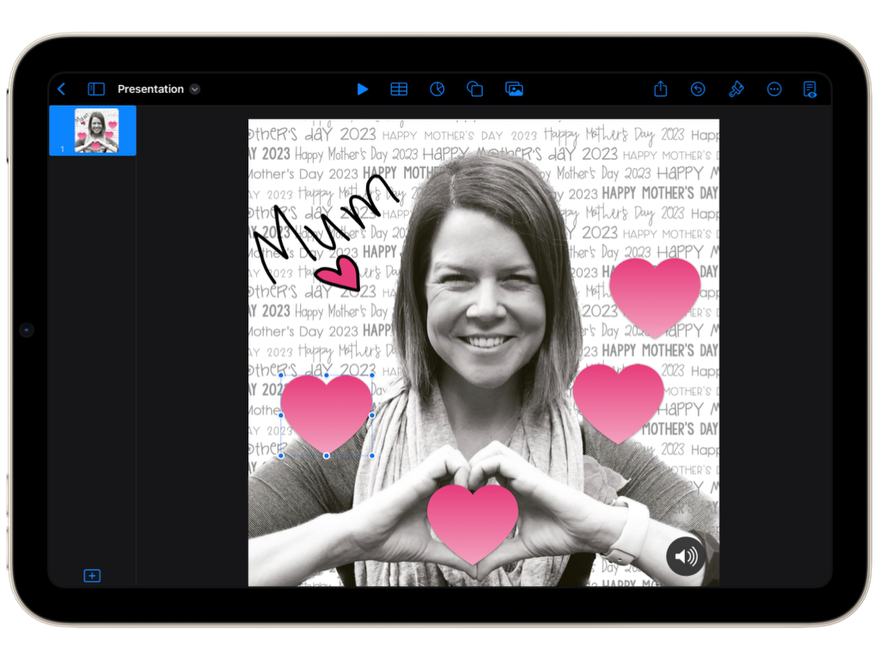
Mother’s Day is just around the corner. Why not create a super cute animation for Mum (or the other special people in our students' lives) in Keynote? Tap here to explore this project, including templates to download and a tutorial to watch. 


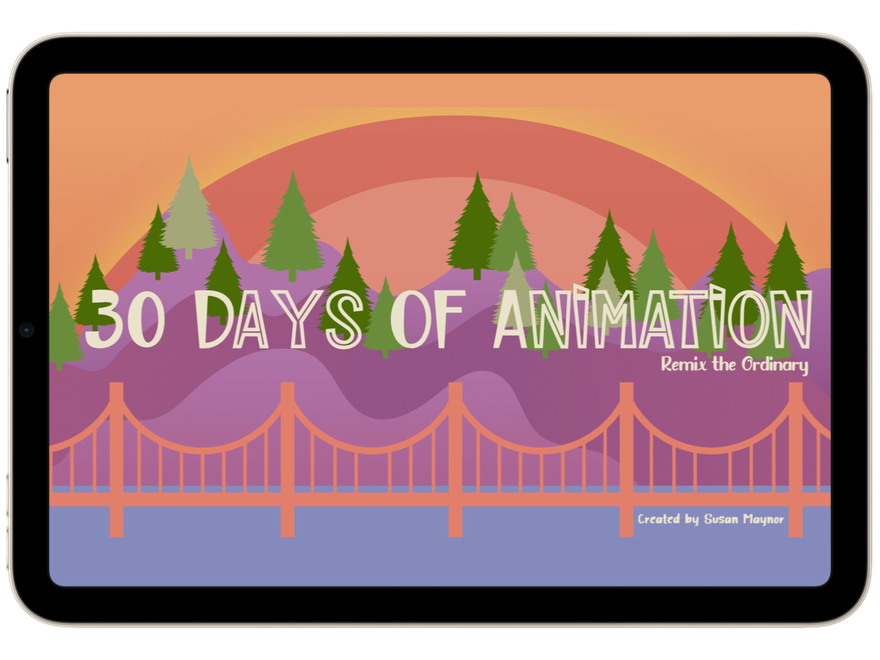
When starting out with Keynote Animations, it is worthwhile scheduling in some VIP time! (Very Important Play 🫶🏻). This resource, created by ADE Susan Maynor (and featured on the Apple Education Forum), is the perfect animation playground. The slide deck includes 30 days of prompts to ignite thinking and encourage a deeper exploration of the animation tools within Keynote. Tap here to access 🙌🏻


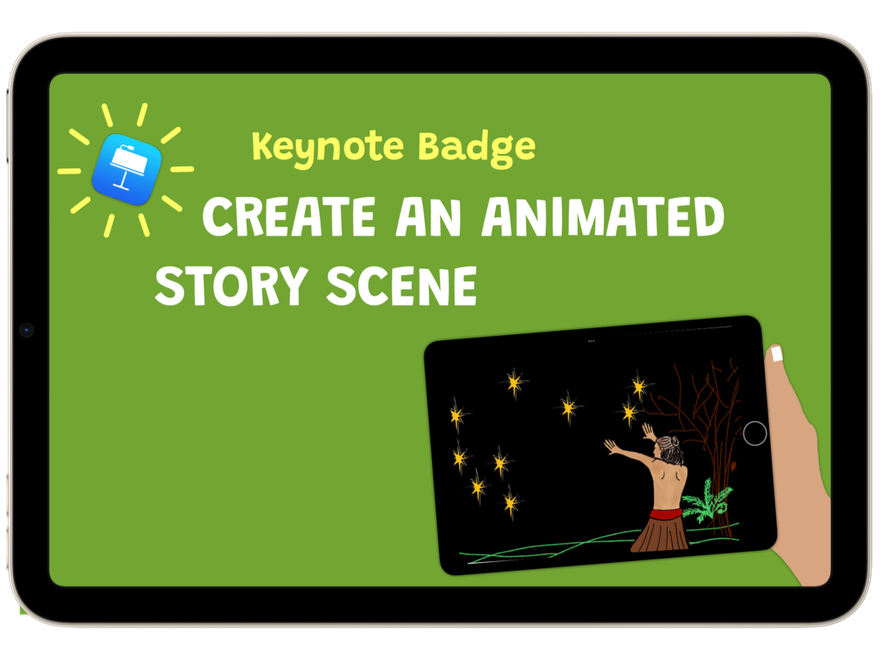
Why not use the animation tools in Keynote to bring stories to life 🔆 Whether Students are retelling stories, or authoring their own, the animation tools in Keynote can really amplify the meaning behind what is being read or written. Mandy Dempsey, a fellow APLS, has put together a detailed blog post and workflow to share how to create an animated story. Tap here to explore this resource. 


Tech Tip: Lift Subject


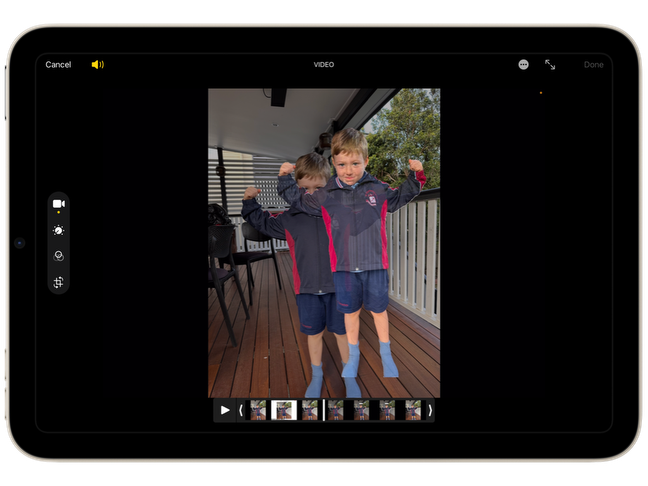
I can recall many times over the years where I have sat and cut around student profiles in images to use in various projects. Even the remove background features in apps were not always seamless and clean. You may have noticed in the ‘Mother’s Day Animation’ image above, the person has been seamlessly “cut” from the background in the image. Whilst there are a number of ways to do this, the easiest way is to ‘Lift Subject’ within the photos app. Tap here to view a quick demonstration to see how easy this awesome feature is!


Until next week,

From the TLC Team 🌻


Click here to catch up on previous TLC newsletters.


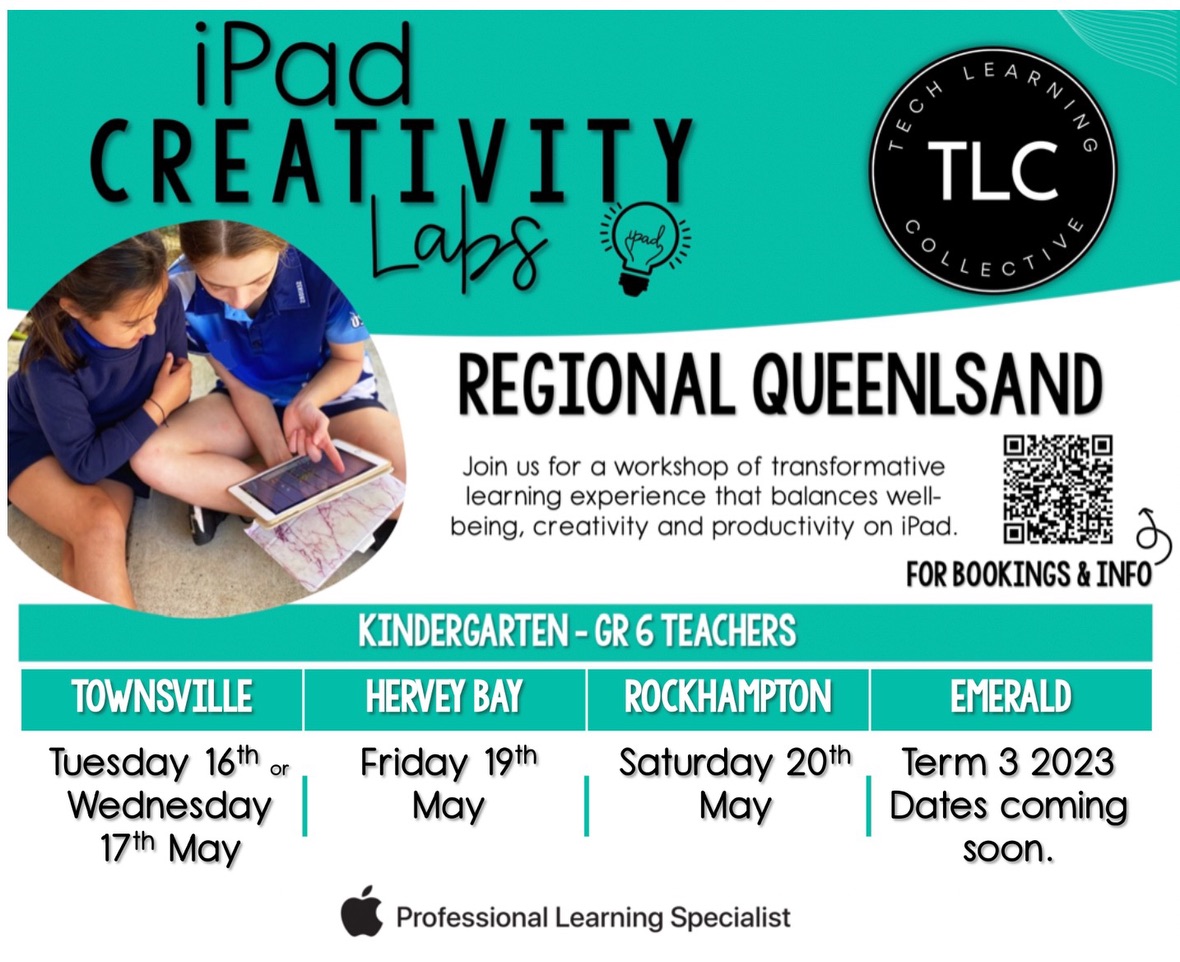
Register here for our Central Qld Creativity Labs


Contact Us


Please share with friends and colleagues  Forward to a Friend  

Click here to subscribe to Tech Learning Collective for weekly updates.

Don’t need any further TLC ♥️ Please click here to Unsubscribe


Tech Learning Collective is a team of passionate Apple Professional Learning Specialists and educators from Queensland who offer professional learning, insights, resources, and valuable tips for transforming learning with technology.  


Direct Mail for Mac This email is powered by Direct Mail for Mac. Learn MoreReport Spam