Hi ,

Welcome to the Tech Learning Collective Newsletter. 


This week lets explore podcasting in GarageBand!

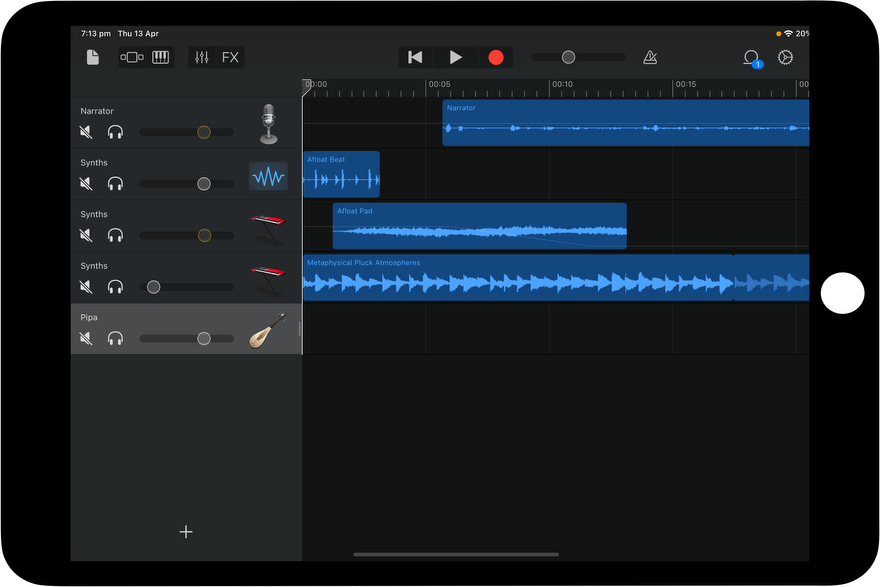
A podcast is an audio recording that can be downloaded or streamed online and typically consists of discussions, interviews, or informational content on a particular topic. GarageBand provides a powerful tool for students to quickly and easily express learning creatively through a podcast.

In GarageBand you can record your voice, add music, sound effects and more. Click here to download the Everyone Can Create Music Guide and explore Chapter 1, ‘Recording A Podcast’.

Anzac Day Podcast

Imagine commemorating this occasion with a  series of interviews from family, teachers and community members that captures reflections on this national day of remembrance. Alternatively, students could research the significance of ANZAC  day and interview one another on what they have learnt. Below are a variety of resources to get you started.


Tap here to listen to a student created example of an ANZAC Day podcast interview. This GarageBand podcast recording was created for a Year 3 HASS Unit.


Tap here to watch a tutorial that steps you through creating a podcast with GarageBand. Skills covered include; adding audio, adding a music intro, fading out the music and saving the file.


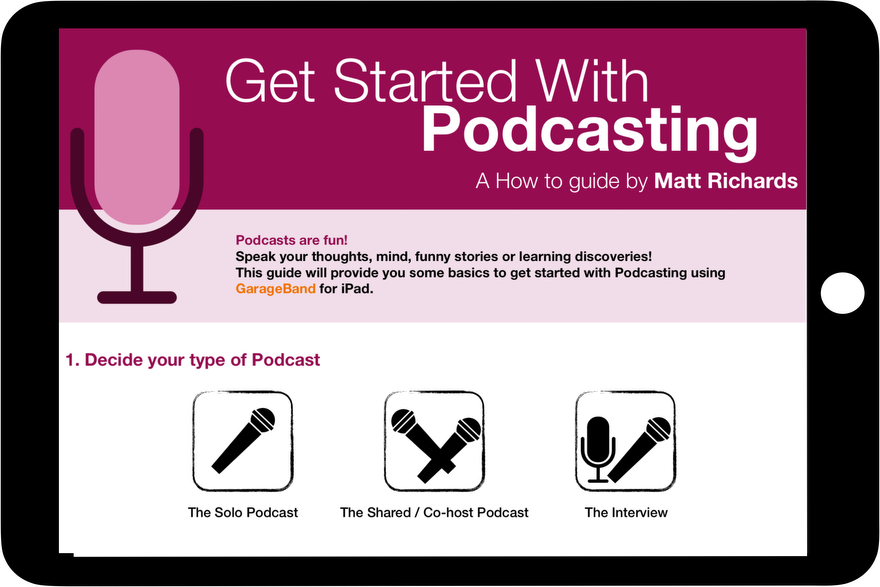
Tap here to check out the, ‘Get Started with Podcasting’ guide by Matt Richards. The Guide includes links to planning documents, curriculum links,  step-by-step instructions and more. 


Tip: Saving GarageBand files to Clips

You can create music in GarageBand and save it to play in a Clips Project. Heres how:

1. In GarageBand, long hold the GarageBand file and select 'share'

2. Select ‘song' and then ‘share'

3. Select ‘Open In’ and once the file has exported select ‘Clips’ in the menu across the top

4. Then select the Clips project (or a New Project) you want the GarageBand file to play in. The music/podcast file will automatically be playing in the Clips project.


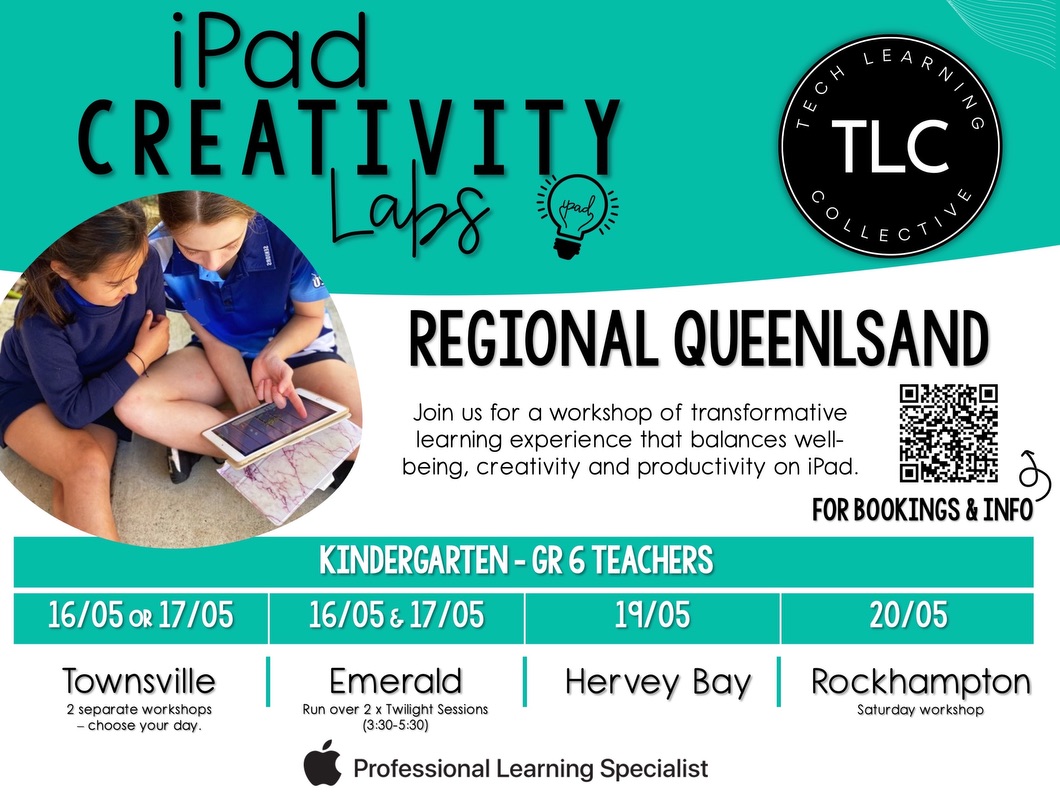
Register here for our Central Qld Creativity Labs


Contact Us


Please share with friends and colleagues  Forward to a Friend  

Click here to subscribe to Tech Learning Connective for weekly updates.

Don’t need any further TLC ♥️ Please click here to Unsubscribe


Tech Learning Collective is a team of passionate Apple Professional Learning Specialists and educators from Queensland who offer professional learning, insights, resources, and valuable tips for transforming learning with technology.  


Direct Mail for Mac This email is powered by Direct Mail for Mac. Learn MoreReport Spam